How guests and AI assistants find The Inn at Mystic
Prepared by Ethan Hawkes · checked 30 October 2026 (6:24 pm ET) · PDF copy
What we checked
- Your home page, fetched signed out
- Your robots.txt, sitemap and llms.txt
- The structured data (JSON-LD) that search engines and AI assistants read from your home page
- Every finding below is quoted exactly, with the page it came from and the time it was fetched
What we found on your site
“<title>Inn at Mystic | Mystic Hotel and Events | Connecticut</title>”
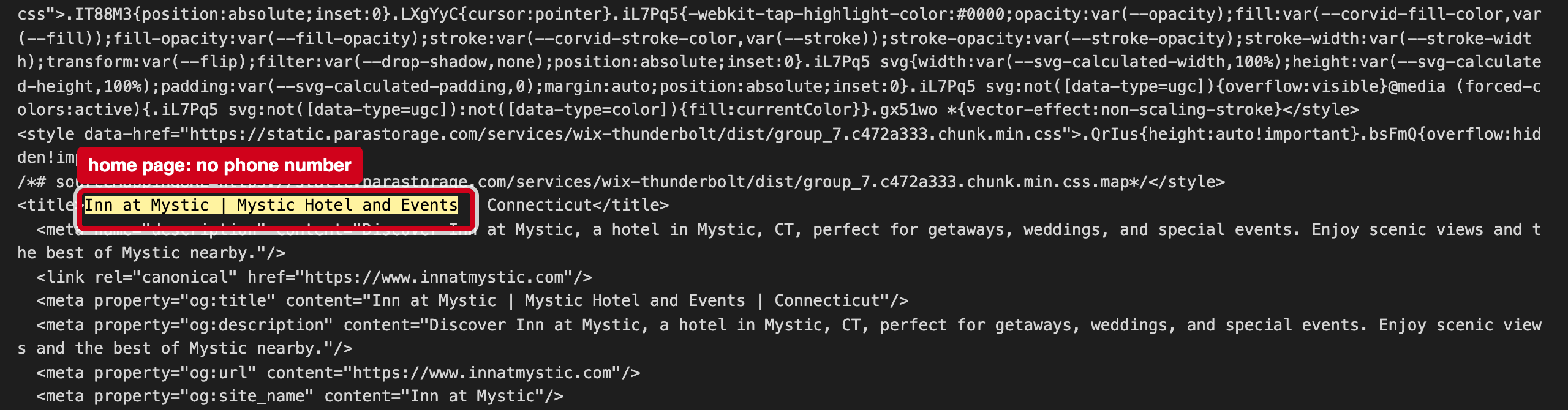
Source: https://www.innatmystic.com/, fetched 2026-10-30 18:24 ET
The home page code fetched at 6:24 pm ET contains no tel: link and no phone number in its text. Booking sites list the inn's number, so guests who want to call are sent there first.
“"@type":"WebSite","name":"Inn at Mystic","url":"https://www.innatmystic.com"”
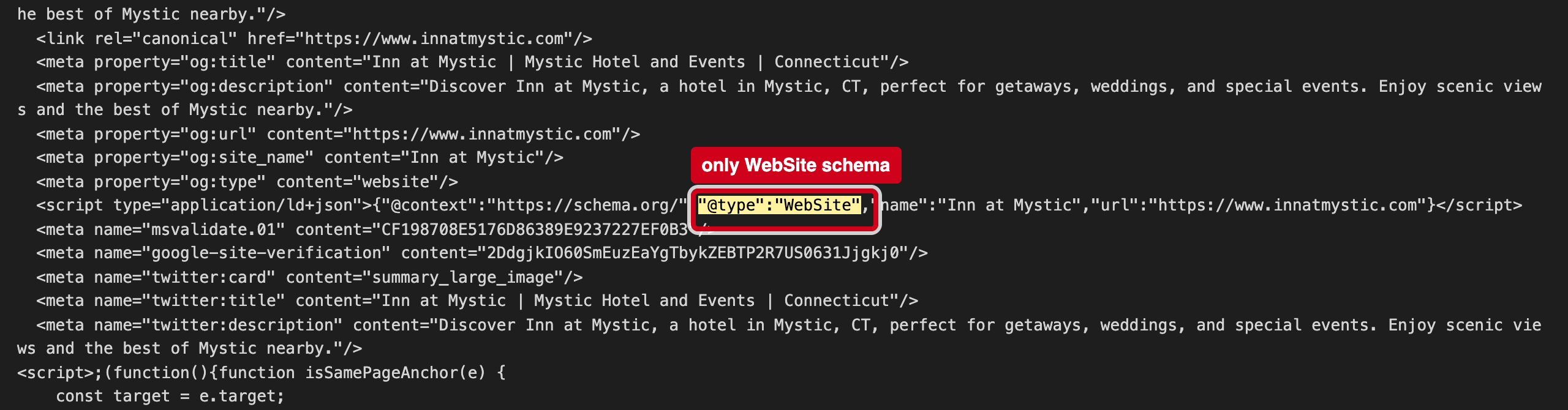
Source: https://www.innatmystic.com/, fetched 2026-10-30 18:24 ET
That is the only structured data on the page. There is no Hotel block with your address, phone, rooms or check-in time, so assistants fill those gaps from booking sites.
“<meta property="og:title" content="Inn at Mystic | Mystic Hotel and Events | Connecticut"/>”
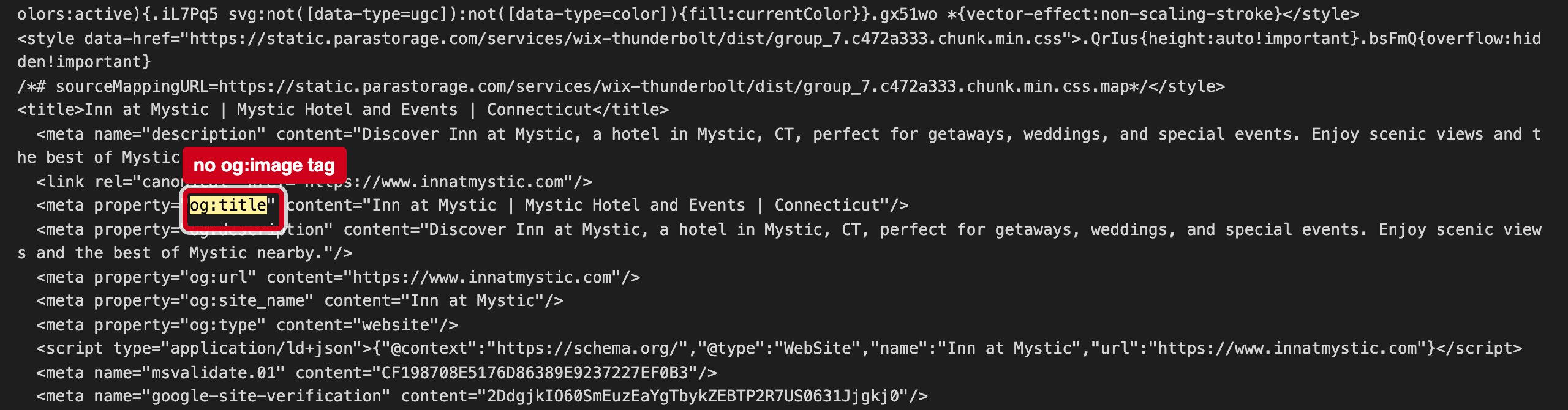
Source: https://www.innatmystic.com/, fetched 2026-10-30 18:24 ET
The page sets og:title and og:description but no og:image, so when someone shares your link in a text, Facebook or Slack, it shows without a photo of the inn.
Why it matters
Search engines and AI trip planners read the structured data block and the files at the root of your site to learn your basic facts. When those are missing or disagree with what a guest sees, machines either skip them or repeat the wrong version, and fill the gaps from booking sites instead of from you.
4 fixes, ranked
- Put your phone number in the header as a tap-to-call link.Wix: add a Text element with the number and link it as Phone.Web · 10 minutes
- Add a Hotel block.Wix: Settings → SEO → Structured data markup; add Hotel with address 3 Williams Avenue, phone, check-in 3:00 pm.Web · 30 minutes
- Set a social share image.Wix: Settings → SEO → Social share; upload a harbor-view photo.Web · 10 minutes
- Test the home page in Google's Rich Results Test.Paste the home page URL into search.google.com/test/rich-results to confirm the hotel block reads the way you want.Web · 15 minutes
If it's useful, I'd welcome 20 minutes to compare notes on how guests are finding independent hotels now. — Ethan Hawkes, Signalry